Reading the Status Updates on a Lana Ultra 2 Order
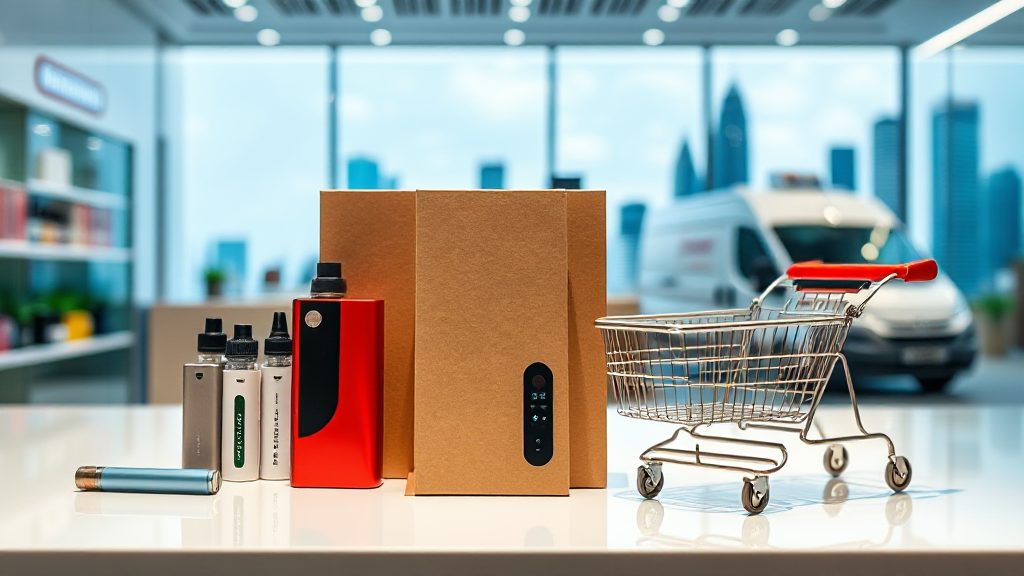
Between confirming a Lana Ultra 2 order and hearing the doorbell, a handful of status updates tell the story. If you have ever spent an evening refreshing a tracking page, you already know the strange mix of impatience and curiosity that comes with it. Each new line of text feels like a small clue, and each timestamp either calms you down or makes you check the door again. This is what that sequence usually looks like when you buy through an online store such as lana pix 20k, and what each update actually means before the courier finally arrives.
Order Confirmed: The First Reassuring Line
The first update is almost always the simplest one, and yet it carries the most weight. “Order confirmed” means the store has received your details, checked that the item you picked is listed as available, and generated an internal order number. Nothing has physically moved yet, but the transaction has moved from a cart to a queue. For a buyer, this is the moment the waiting officially begins.
It is worth reading this line carefully. Some stores confirm an order the moment payment is authorised, while others confirm only after a manual check. A shop that offers cash on delivery often confirms the order first and then verifies the address by message or phone before anything is packed. If you ordered something like a marbo vape 25k alongside your main item, the confirmation stage is also where the store checks that both products are in the same warehouse. If they are not, you may see a slightly longer gap before the next update appears.
This stage is also when you should double-check the delivery address on your account. A single wrong unit number can turn a same-day delivery into a two-day puzzle, and no amount of refreshing will fix it once the parcel leaves the facility.
Processing and Packing: What Happens Behind the Scenes
The second update usually reads something like “processing” or “preparing your order.” This is the least dramatic line and, honestly, the most important one. It means a person or a picking system has located your item, scanned it, and moved it toward the packing bench. For disposable products, this stage often includes a quick visual check of the packaging and the batch label.
Discreet packaging is a detail many buyers only think about after they order. A well-run store treats plain outer packaging as standard, not as an upgrade, so the parcel that eventually arrives does not announce its contents to anyone who happens to see it. If you have ordered smaller items such as a lana pen plus 9k in the past, you may have noticed that the box was unremarkable on purpose. That is a feature, not an accident.
Processing time varies with the hour of the day. An order placed before the daily cut-off usually moves to packing within a short window, while an order placed late at night may sit until the next working cycle begins. This is why two buyers can order the same product minutes apart and see completely different timelines.
Out for Delivery: The Update Everyone Watches
“Out for delivery” is the line that changes the mood of the whole evening. It means the parcel has left the sorting facility, has been assigned to a courier, and is now moving through a route that includes your address. The tracking page may still show a wide delivery window, and that window is an estimate rather than a promise.
At this point, a few practical things help. Keep your phone nearby, because couriers often call or message before arriving. Make sure someone can receive the parcel, especially if cash on delivery is part of the arrangement, since the courier will need to collect payment at the door. If you ordered a larger item such as a marbo 25k or a snowwolf 16k, the parcel may be slightly bulkier, so a secure handover is better than leaving it with a neighbour who was not expecting it.
It is also normal for this status to sit unchanged for a couple of hours. A courier with thirty stops does not update the system after every single one. Silence on the tracking page during this stage usually means the route is simply progressing, not that something has gone wrong.
Delivered: Closing the Loop on the Wait
The final update is short and satisfying: “delivered.” Sometimes it appears a few minutes after the doorbell, sometimes right as the courier hands over the parcel. Either way, it closes the loop that started with a confirmation message. If you paid on delivery, the payment is collected at this moment, and the order is marked complete in the store’s system.
One thing worth remembering is that delivery is the end of the logistics story but not the end of the purchase. Check the parcel while the courier is still nearby if you can. Confirm the item matches what you ordered, that the packaging is intact, and that the quantity is right. Most reputable stores, including those selling products like lana pix and terea singapore variants, have a clear process for reporting a problem, but that process is far easier when you notice the issue immediately rather than a day later.
It also helps to think about why the tracking sequence matters beyond this one order. Every status update is a small signal about how a store operates: how quickly it confirms, how carefully it packs, how realistically it estimates delivery, and how reliably it closes the loop. A buyer who understands the sequence stops treating each refresh as a source of anxiety and starts reading it as information. The next time you order something like a lana ultra 2, you will know that “confirmed” is a promise, “processing” is work happening, “out for delivery” is motion, and “delivered” is the moment the waiting ends and the doorbell finally rings. That is the whole story, told one status line at a time.
Reply